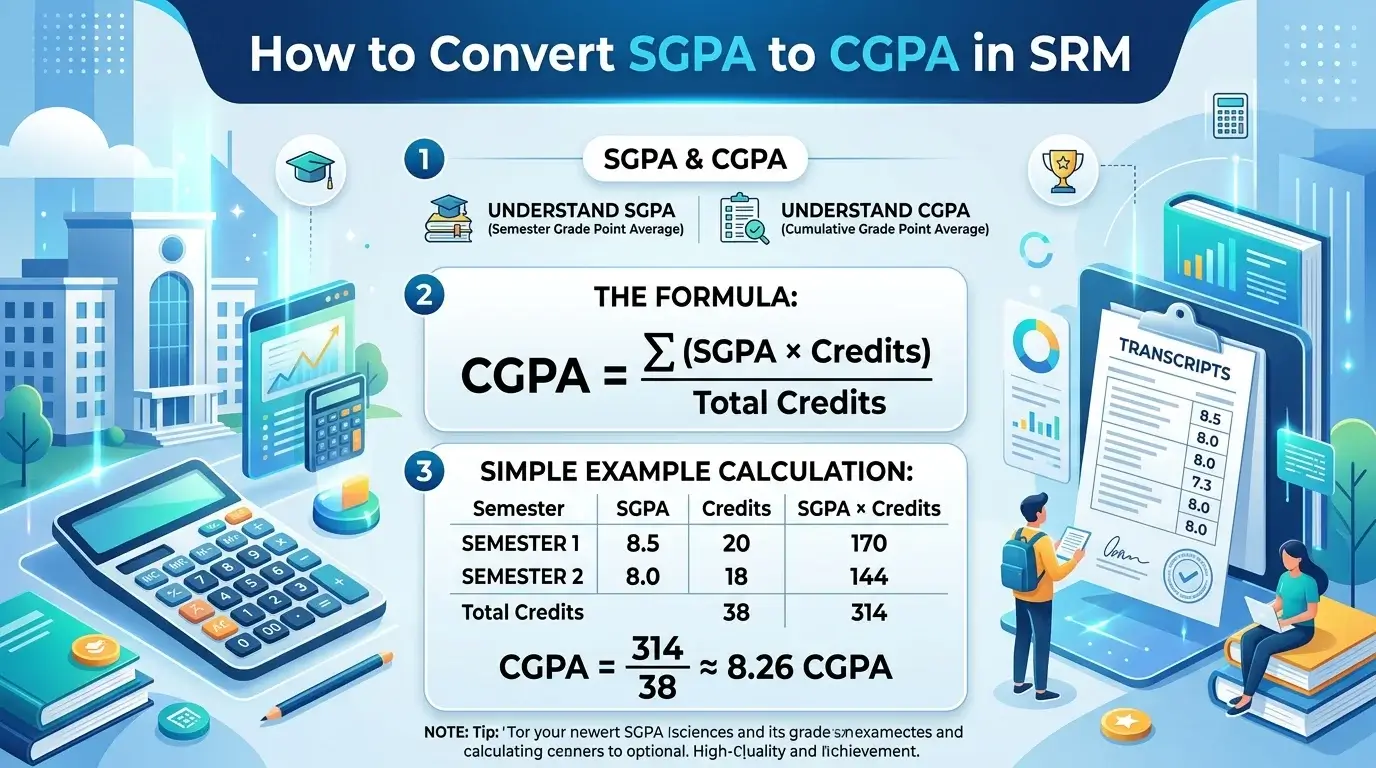
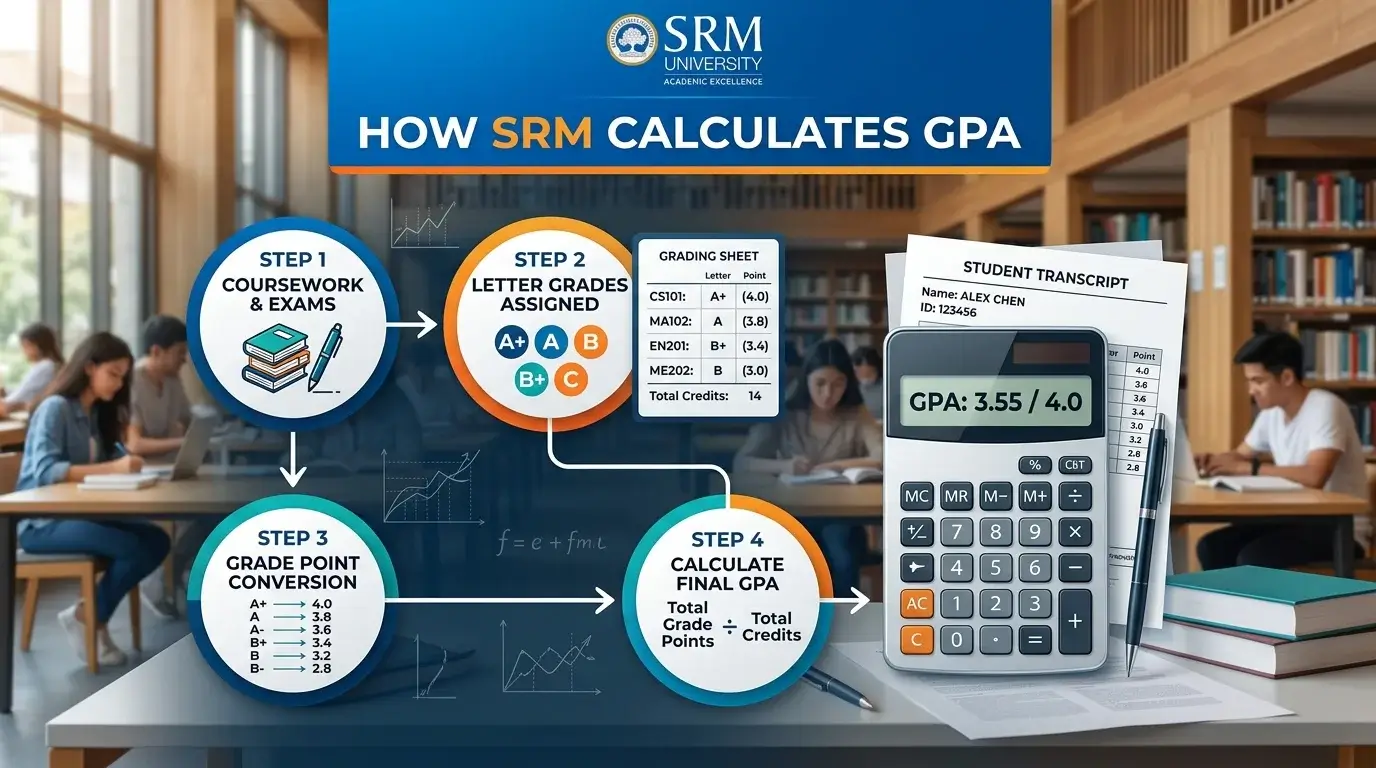
If you’re wondering how SRM calculates GPA, the answer is simple: SRM University calculates your Grade Point Average (GPA) using a weighted average based on the grade points you earn in each course and the credit hours assigned to those courses. Subjects with more credits contribute more to your final GPA than subjects with fewer credits.
Understanding your GPA is important because it reflects your academic performance and can influence internships, placements, scholarships, and higher education opportunities. While you can calculate it manually, using an SRM GPA Calculator is much faster and helps avoid calculation mistakes. If you want accurate results in seconds, an online calculator is the easiest option.
What Is GPA in SRM?
GPA (Grade Point Average) is a numerical representation of your academic performance during a semester. Instead of showing only marks, SRM uses a grade point system to evaluate student performance across different subjects.
Unlike percentage-based evaluation, GPA considers both:
- The grade points earned in each course
- The credit hours assigned to that course
This provides a more balanced assessment of your semester result.
Why GPA Is Important
- Measures your semester performance
- Helps track academic progress
- Used for internships and campus placements
- Required for higher studies and scholarships
- Contributes to your final CGPA
How SRM Calculates GPA
SRM follows a weighted average method rather than a simple average.
Three main factors are used:
Grade Points
Each letter grade corresponds to a numerical grade point.
For example:
- O = 10
- A+ = 9
- A = 8
- B+ = 7
Higher grades earn higher grade points.
Credit Hours
Every subject carries a certain number of academic credits based on its workload.
For example:
- Theory course = 4 Credits
- Laboratory = 2 Credits
- Project = 3 Credits
Subjects with more credits have a greater impact on your GPA.
Weighted Average
SRM multiplies the grade point of each subject by its credit hours. After calculating these weighted scores, the total is divided by the total credit hours of all registered courses.
SRM GPA Formula Explained
SRM uses the following formula:
GPA = Σ (Grade Point × Credit Hours) ÷ Total Credit Hours
Here’s what each part means:
| Term | Meaning |
| Grade Point | Numerical value assigned to your letter grade |
| Credit Hours | Credits allocated to the course |
| Grade Point × Credit Hours | Weighted score of a subject |
| Total Credit Hours | Sum of credits for all subjects |
This formula ensures that higher-credit courses influence your GPA more than lower-credit courses.
Step-by-Step GPA Calculation
You can calculate your Semester GPA by following these steps:
Step 1: Collect Your Grades
Note the letter grade received in every subject.
Step 2: Convert Grades into Grade Points
Use SRM’s grading scale to find the corresponding grade points.
Step 3: Multiply Grade Points by Credits
Calculate the weighted score for each subject.
Step 4: Add All Weighted Scores
Find the total weighted grade points.
Step 5: Divide by Total Credits
Divide the total weighted score by the total academic credits.
Tip: Double-check your grades and course credits before calculating. Even a small mistake can affect your final GPA.
Example of GPA Calculation
Suppose a student has the following grades:
| Subject | Grade | Grade Point | Credits |
| Mathematics | O | 10 | 4 |
| Physics | A+ | 9 | 4 |
| Chemistry | A | 8 | 3 |
| English | B+ | 7 | 2 |
Step 1: Calculate Weighted Scores
- Mathematics = 10 × 4 = 40
- Physics = 9 × 4 = 36
- Chemistry = 8 × 3 = 24
- English = 7 × 2 = 14
Step 2: Add Weighted Scores
Total Weighted Score = 40 + 36 + 24 + 14 = 114
Step 3: Add Credits
Total Credits = 4 + 4 + 3 + 2 = 13
Step 4: Calculate GPA
GPA = 114 ÷ 13 = 8.77
So, the student’s Semester GPA is 8.77.
SRM Grading System
The exact grading policy may vary depending on your batch, department, or university regulations. A commonly used grading scale is shown below.
| Grade | Grade Point |
| O | 10 |
| A+ | 9 |
| A | 8 |
| B+ | 7 |
| B | 6 |
| C | 5 |
| U / F | 0 |
Higher grades contribute more grade points and improve your GPA. Always refer to your official academic regulations for the grading scale applicable to your program.
Why Credit Hours Matter
Credit hours represent the academic weight of a subject.
For example, a 4-credit Mathematics course contributes more to your GPA than a 2-credit laboratory course.
Because of this, SRM calculates GPA using a weighted average instead of a simple average. This approach reflects the relative importance of each course in your curriculum and provides a more accurate measure of academic performance.
GPA vs SGPA vs CGPA
| Term | Meaning | Covers |
| GPA | Grade Point Average | General academic performance |
| SGPA | Semester Grade Point Average | One semester |
| CGPA | Cumulative Grade Point Average | All completed semesters |
In simple terms:
- GPA refers to your grade point average.
- SGPA measures performance in a single semester.
- CGPA represents your overall performance across all semesters.
Manual GPA Calculation vs Online GPA Calculator
| Feature | Manual Calculation | Online GPA Calculator |
| Accuracy | Depends on calculations | High accuracy |
| Speed | Time-consuming | Instant |
| Convenience | Requires formula | Simple input |
| Manual Effort | High | Minimal |
Instead of performing multiple calculations manually, you can use our SRM GPA Calculator to calculate your GPA instantly and reduce the chance of errors.
You may also find these tools useful:
- SRM CGPA Calculator
- SGPA Calculator
- CGPA to Percentage Calculator
- Grade Calculator
Common GPA Calculation Mistakes
Many students make simple mistakes while calculating GPA.
Some common errors include:
- Ignoring credit hours
- Using incorrect grade points
- Averaging grades directly instead of using weighted averages
- Entering incorrect course credits
- Confusing GPA with CGPA or SGPA
Always verify your grades and academic credits using your official academic transcript before calculating your GPA.
Conclusion
Now you know how SRM calculates GPA using grade points, credit hours, and a weighted average formula. Understanding this process helps you monitor your academic performance, set improvement goals, and prepare for placements or higher education. Although manual calculation is useful for learning the process, an SRM GPA Calculator makes the task faster, more accurate, and hassle-free. For the best results, always verify your grades and course credits using your official academic transcript and follow the latest university regulations, as grading policies may differ by batch, department, or program.