Use the SRM GPA Calculator above to calculate your semester GPA in seconds. Simply enter your subjects, choose your letter grades, add the corresponding course credits, and get an instant result. Whether you’re a fresher or a senior student at SRM Institute of Science and Technology, this tool eliminates manual calculations and helps you quickly understand your academic performance using the official GPA formula.
How to Use the SRM GPA Calculator
Calculating your GPA is simple:
Step 1 – Enter Your Subjects
Add all the subjects you completed during the semester.
Step 2 – Select Your Letter Grades
Choose the letter grade earned in each subject. The calculator automatically converts it into the correct grade point.
Step 3 – Enter Course Credits
Enter the credit value for every subject as listed in your curriculum.
Step 4 – Add More Subjects
Use the Add Subject option if your semester contains additional courses, electives, or labs.
Step 5 – Click “Calculate GPA”
Press the Calculate GPA button to process your grades and credits.
Step 6 – View Your GPA Result
Your semester GPA is displayed instantly. You can edit your entries and recalculate anytime.
How Does the SRM GPA Calculator Work?
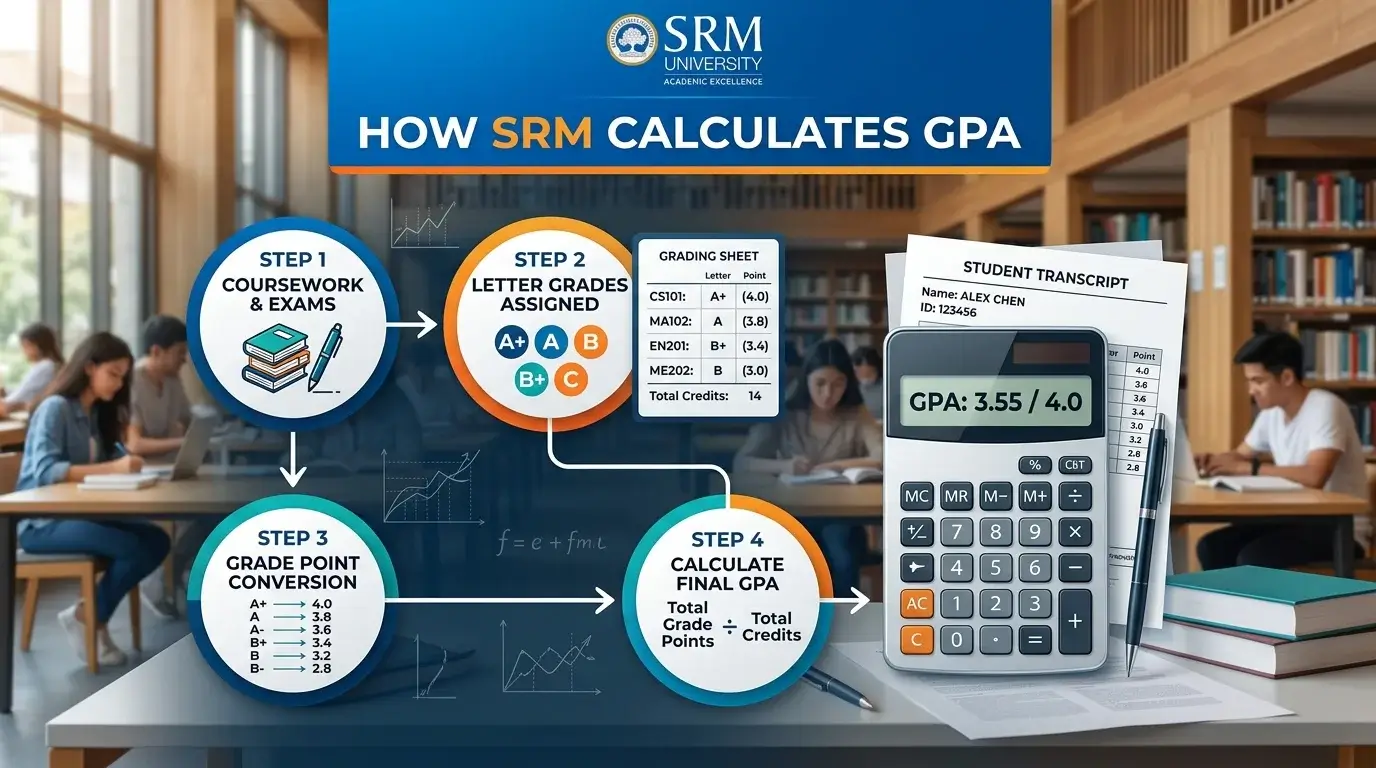
The calculator follows the standard GPA calculation method used at SRM.
Here’s how it works:
- Converts letter grades into grade points.
- Multiplies each grade point by its course credit.
- Adds all weighted grade points.
- Divides the total by the total course credits.
- Displays your semester GPA instantly.
Instead of calculating everything manually, the calculator performs these steps automatically and reduces the chance of errors.
SRM GPA Formula
The official formula is:
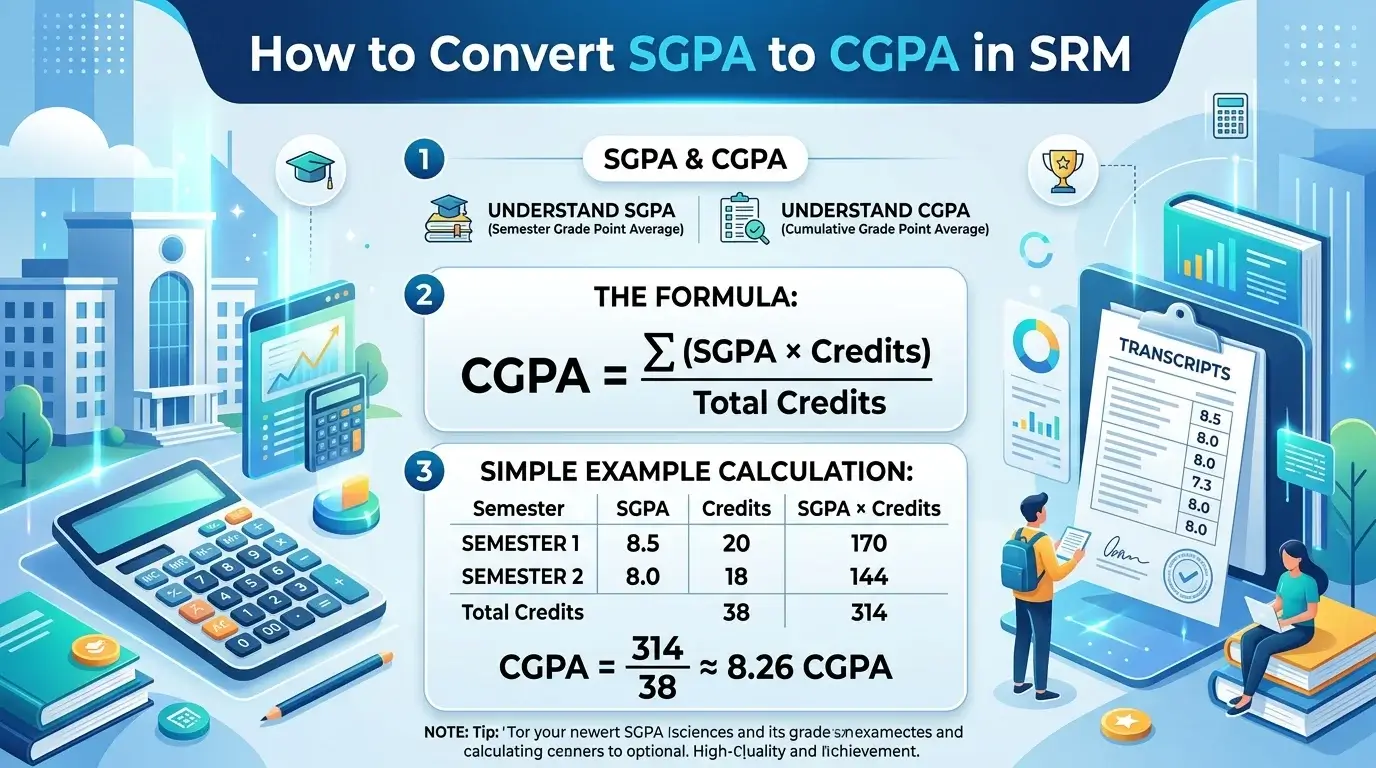
GPA = Σ (Course Credit × Grade Point) ÷ Total Course Credits
Here’s what each term means:
- Grade Point: The numerical value assigned to your letter grade.
- Course Credits: The academic weight assigned to each subject.
- Σ (Summation): Add the weighted grade points of all subjects.
- Weighted Average: Subjects with higher credits contribute more to your GPA than lower-credit subjects.
If you don’t want to use the formula yourself, the calculator applies it automatically.
SRM Grade Point Table
| Letter Grade | Grade Point |
| O | 10 |
| A+ | 9 |
| A | 8 |
| B+ | 7 |
| B | 6 |
| C | 5 |
| P | 4 |
| F | 0 |
| Ab | 0 |
The calculator automatically converts your selected letter grades into grade points before calculating your GPA.
SRM GPA Calculation Example
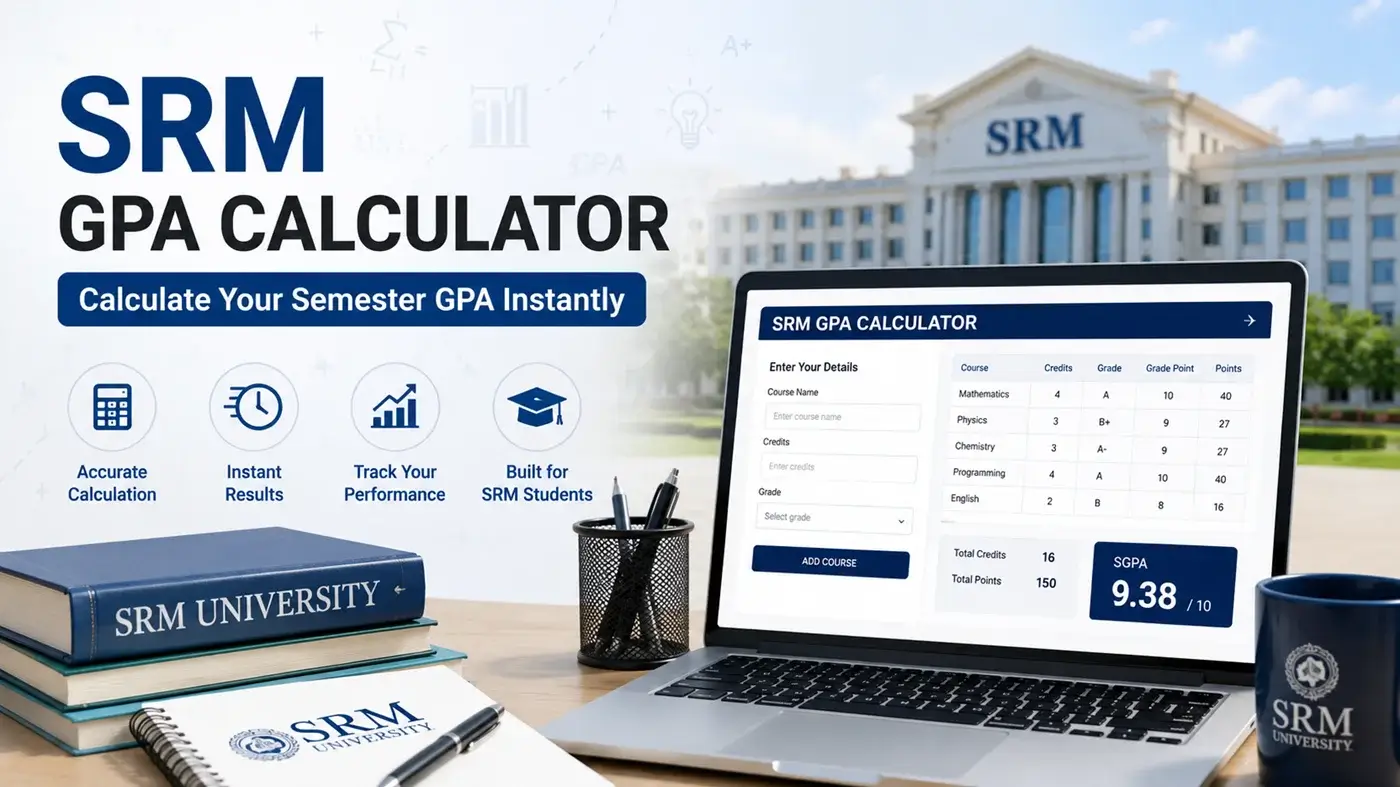
The example below shows exactly what the calculator calculates behind the scenes.
| Subject | Credits | Grade | Grade Point | Credit × Grade Point |
| Mathematics | 4 | O | 10 | 40 |
| Programming | 4 | A | 8 | 32 |
| Physics | 3 | A+ | 9 | 27 |
| Engineering Graphics | 3 | B+ | 7 | 21 |
| English | 2 | O | 10 | 20 |
Total Credits = 16
Total Weighted Grade Points = 140
GPA = 140 ÷ 16 = 8.75
This is exactly how the SRM GPA Calculator computes your semester GPA within seconds.
Note: The calculator follows the standard SRM grading formula. If your department follows any special grading policy, always verify the result with your official grade card.
Why Use This SRM GPA Calculator?
- Calculates GPA accurately using the official formula
- Instant results without manual calculations
- Completely free to use
- Unlimited calculations
- Beginner-friendly interface
- Mobile and desktop compatible
- Saves time during result analysis
- Reduces manual calculation mistakes
Whether you’re checking your semester result or estimating your performance, this tool makes GPA calculation fast and hassle-free.
GPA vs SGPA vs CGPA
| Term | Meaning | Best Used For |
| GPA | Grade Point Average | Calculating grades for a set of courses |
| SGPA | Semester Grade Point Average | Measuring performance in one semester |
| CGPA | Cumulative Grade Point Average | Tracking overall performance across all semesters |
If you want to calculate your overall academic performance after finding your semester GPA, try the SRM CGPA Calculator.
Related SRM Calculators
- SRM CGPA Calculator Calculate your overall CGPA across multiple semesters.
- SRM SGPA Calculator Find your semester GPA quickly and accurately.
- SGPA to CGPA Calculator Convert semester GPAs into a cumulative GPA.
- CGPA to Percentage Calculator Estimate your percentage from your CGPA.
Conclusion
The SRM GPA Calculator helps you calculate your semester GPA quickly and accurately using the official SRM grading formula. Simply enter your grades and course credits to get an instant result without manual calculations. After checking your GPA, you can also use our SRM CGPA, SGPA, and conversion calculators to track your overall academic progress.